
Organisation settings
Edit your organisation name and understand how organisations, businesses, and locations relate.
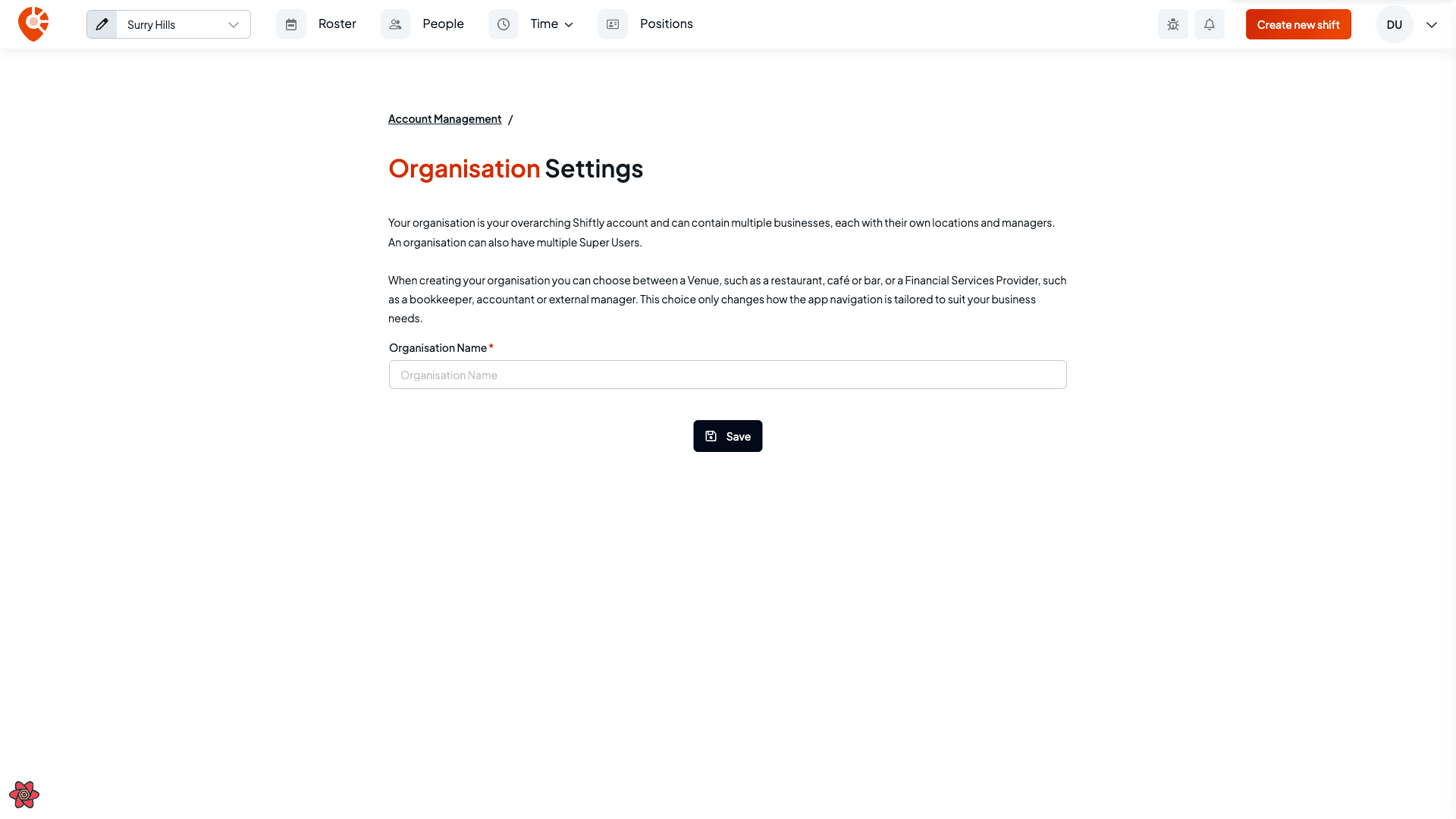
Your organisation is the top level of your Shiftly account: it can hold multiple businesses, each with their own locations and managers, plus super users across all of them. This guide covers the organisation settings.
Who this is for
Owners and managers using the Shiftly web platform.
Before you start
- Open the account menu → Account management → Organisation details.
Edit your organisation
On Organisation settings, update the organisation name and select Save.
How the account is structured
- Your organisation contains one or more businesses.
- Each business has its own locations and managers.
- An organisation can have multiple super users with access across every business. See User access.
When the organisation was created, it was set as either a Venue (a restaurant, café, or bar) or a Financial services provider (a bookkeeper, accountant, or external manager). This choice only tailors how the app's navigation is laid out. It doesn't change what you can do.