
Logging in
Sign in to the Shiftly web platform with your email and password, Google or Xero, and reset a forgotten password.
Once your account exists, sign in to the Shiftly web platform to manage your roster, team and payroll.
Who this is for
Owners and managers using the Shiftly web platform. (Staff sign in to the Shiftly Me app instead. See The Shiftly apps.)
Log in
Enter your email and password
On the login page, enter the email and password you signed up with and select Login.
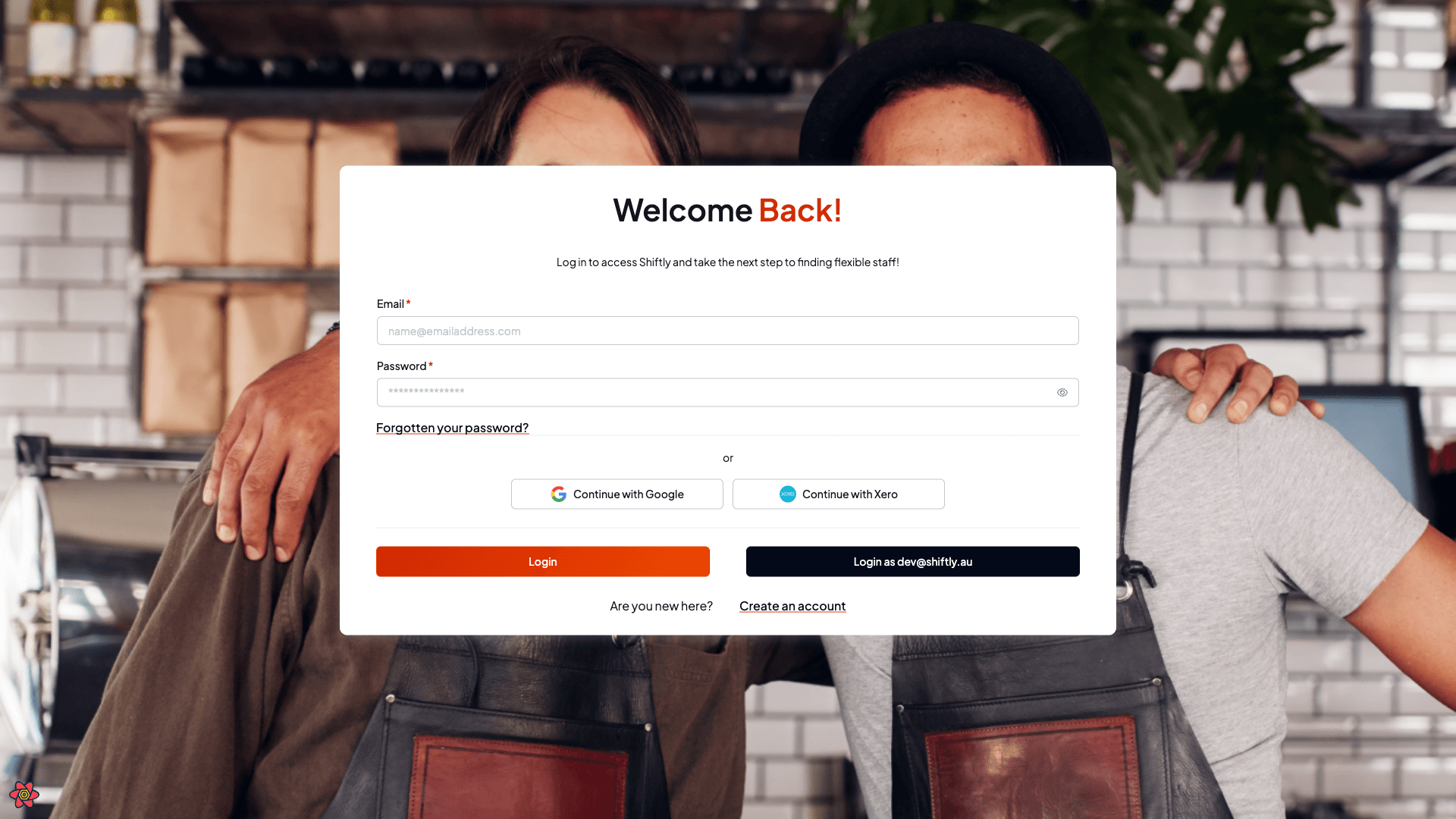
If you signed up with Google or Xero, use Continue with Google or Continue with Xero instead. There's no separate password. See Password or Google/Xero? below.
If you see "No account found with this email address", that email isn't registered. Check for a typo, or create an account.
Password or Google/Xero?
Shiftly identifies your account by your email address, and the way you signed up decides how you sign in:
- Signed up with an email and password: log in with your email and password, or reset it if you've forgotten it.
- Signed up with Google or Xero: there's no password on your account. Use Continue with Google or Continue with Xero every time. The provider buttons match on your email, so they sign you in no matter which page you're on.
If you signed up with Google or Xero and then try to log in with a password, Shiftly stops you with a message like "You have not set a password for this account. Please sign in using Google or reset your password". It names whichever provider you signed up with (Google or Xero). That's expected: your account doesn't have a password yet. Either use the provider button, or add a password (below).
Using a password on a Google or Xero account
You don't have to choose one or the other: you can add a password to a Google or Xero account so that either method works. Use the Forgotten your password? flow in Reset a forgotten password below: enter the email tied to your Google or Xero account and set a password.
From then on you can sign in with either your email and password or the Continue with Google / Continue with Xero button. Adding a password doesn't disconnect Google or Xero.
Reset a forgotten password
Request a reset link
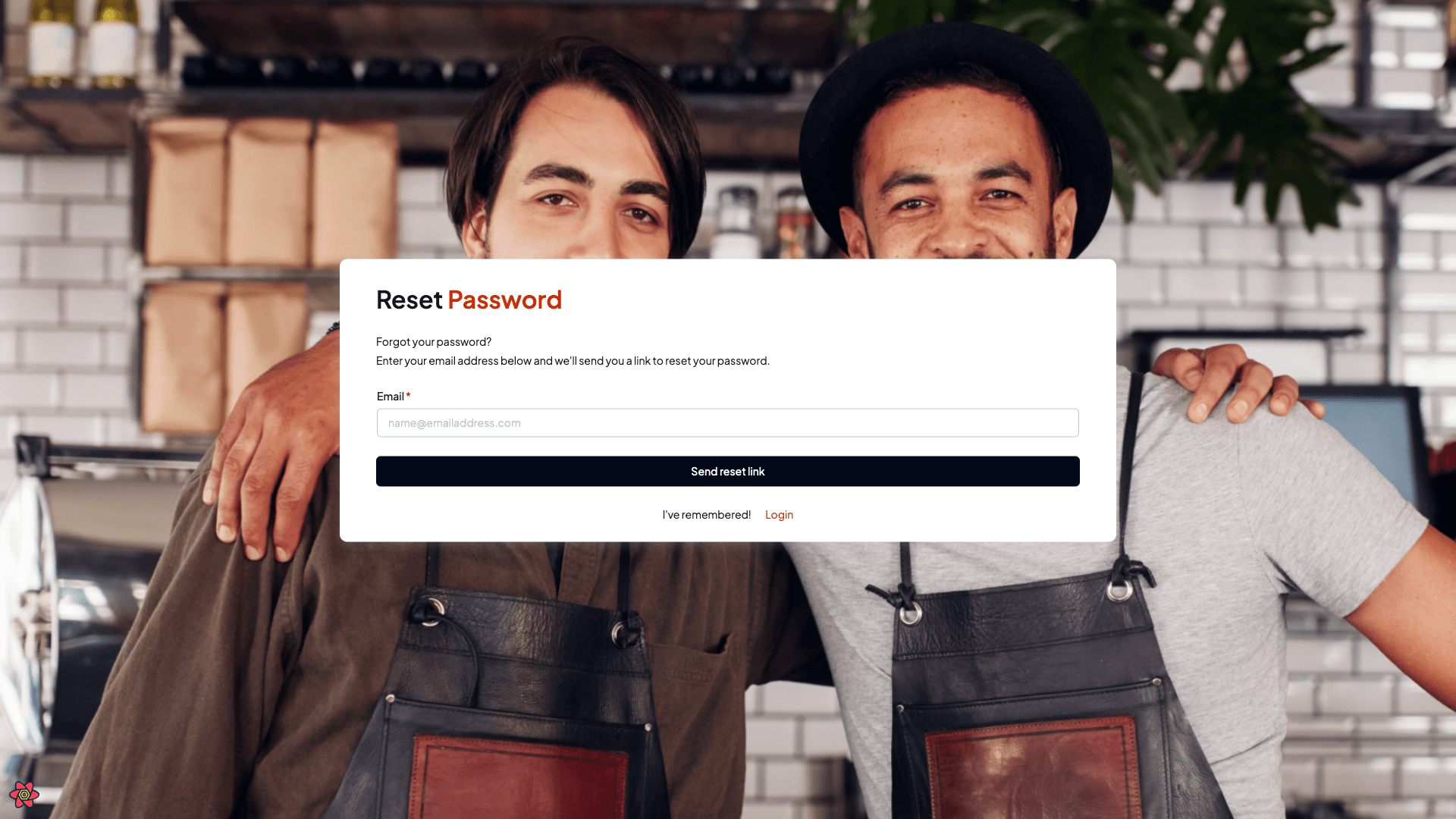
Select Forgotten your password? on the login page, enter your email, and select Send reset link. Shiftly emails you a link.
Set a new password
Open the link in your email, enter your new password and confirm it, then select Save new password. You'll be returned to the login page to sign in with the new password.
Other ways in
- Google or Xero: select Continue with Google or Continue with Xero to sign in with that account.
- Sign-in link: if Shiftly emails you a one-time sign-in link, opening it logs you straight in.
Related
Creating your account
Sign up for Shiftly with your email or a Google or Xero account, set a password, and verify your email.
Owners & managers
Everything for running your business in Shiftly: setup, your team, scheduling, timesheets, payroll, leave, and billing. Who these guides are for, what's in them, and where to look if you're not an owner or manager.