
Profile & password
Update your personal details and profile photo, and change your password.
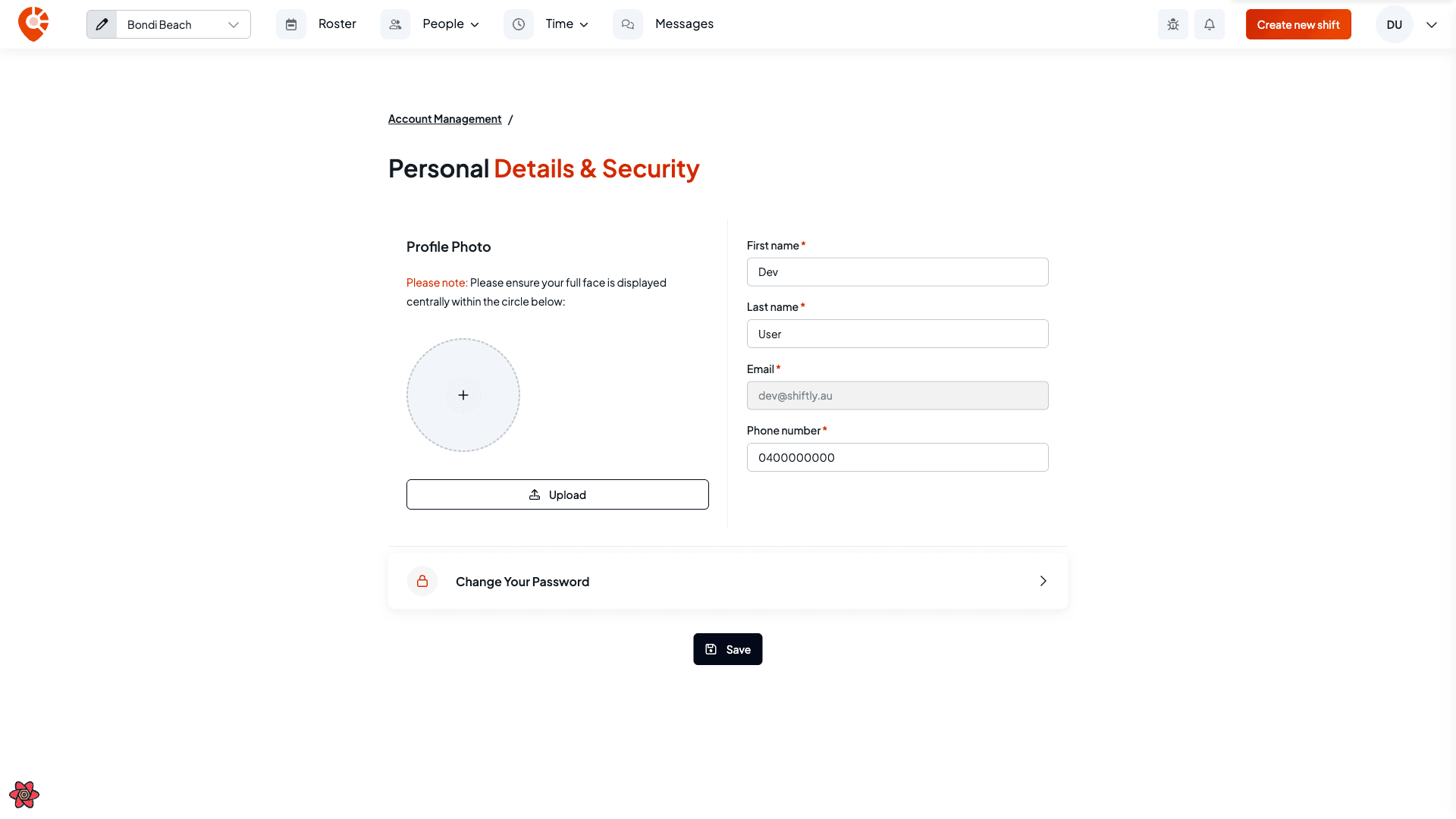
Your name, contact details, profile photo, and password live on the Personal details & security page. This guide covers updating them.
Who this is for
Owners and managers using the Shiftly web platform.
Before you start
- Open the account menu (your initials, top right) → Account management → Personal details & security.
Update your details
Edit your profile
Add a profile photo with Upload, and edit your first name, last name, and phone number. Your email is shown but can't be changed here. Select Save.
Change your password
Open Manage password
On Personal details & security, select Change your password.
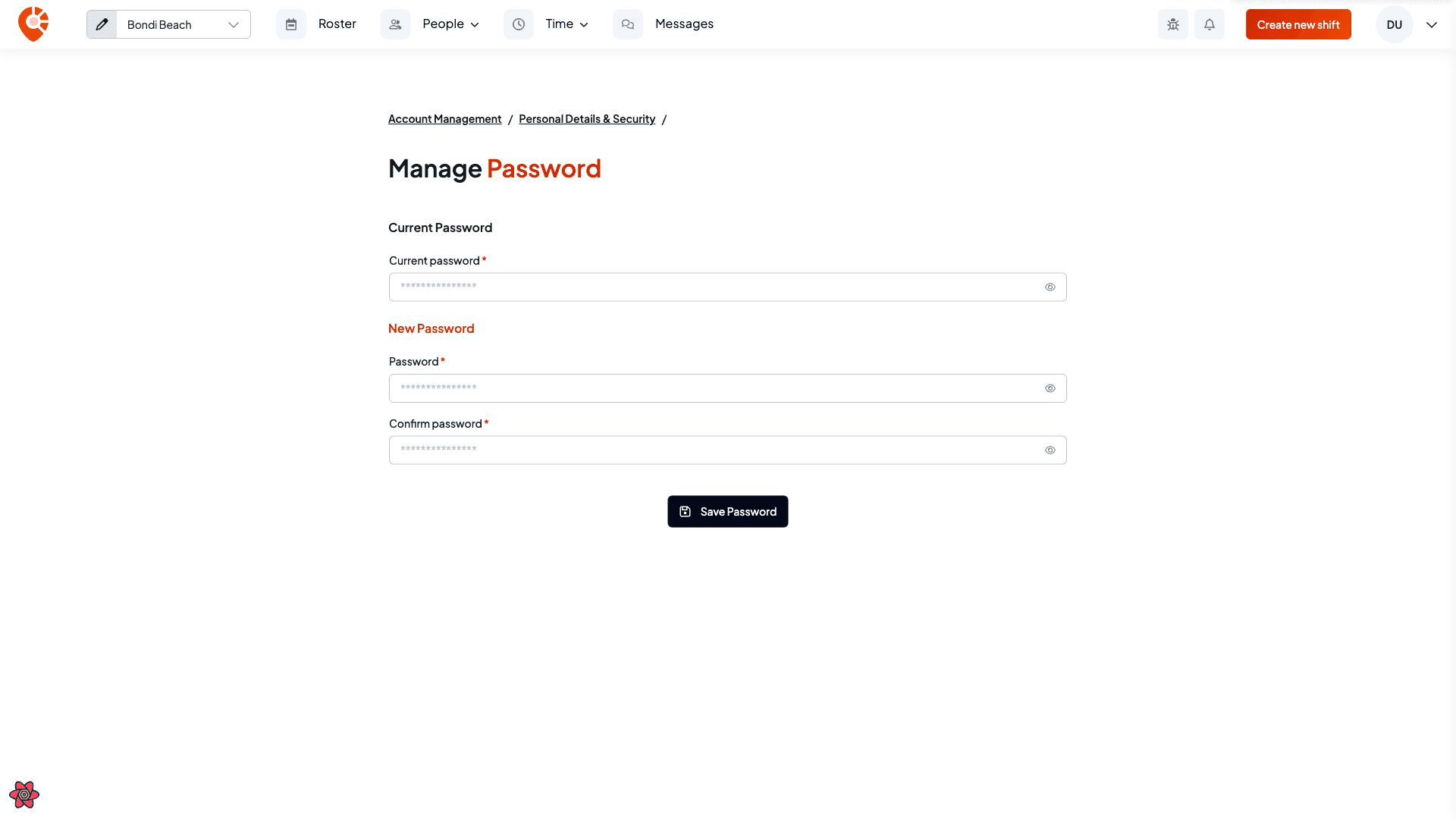
Enter your current and new password
Enter your current password, then your new password (at least 8 characters) and confirm it. Select Save password.
Forgotten your password? On the login screen, use Forgot password to get a reset link by email and set a new one — you don't need to be signed in.