Exporting your data
Download all your account data as a ZIP of CSV files for compliance or backup.
You can download your whole account as a set of CSV files — useful for compliance or keeping a backup. This guide covers exporting.
Who this is for
Owners and managers using the Shiftly web platform.
Before you start
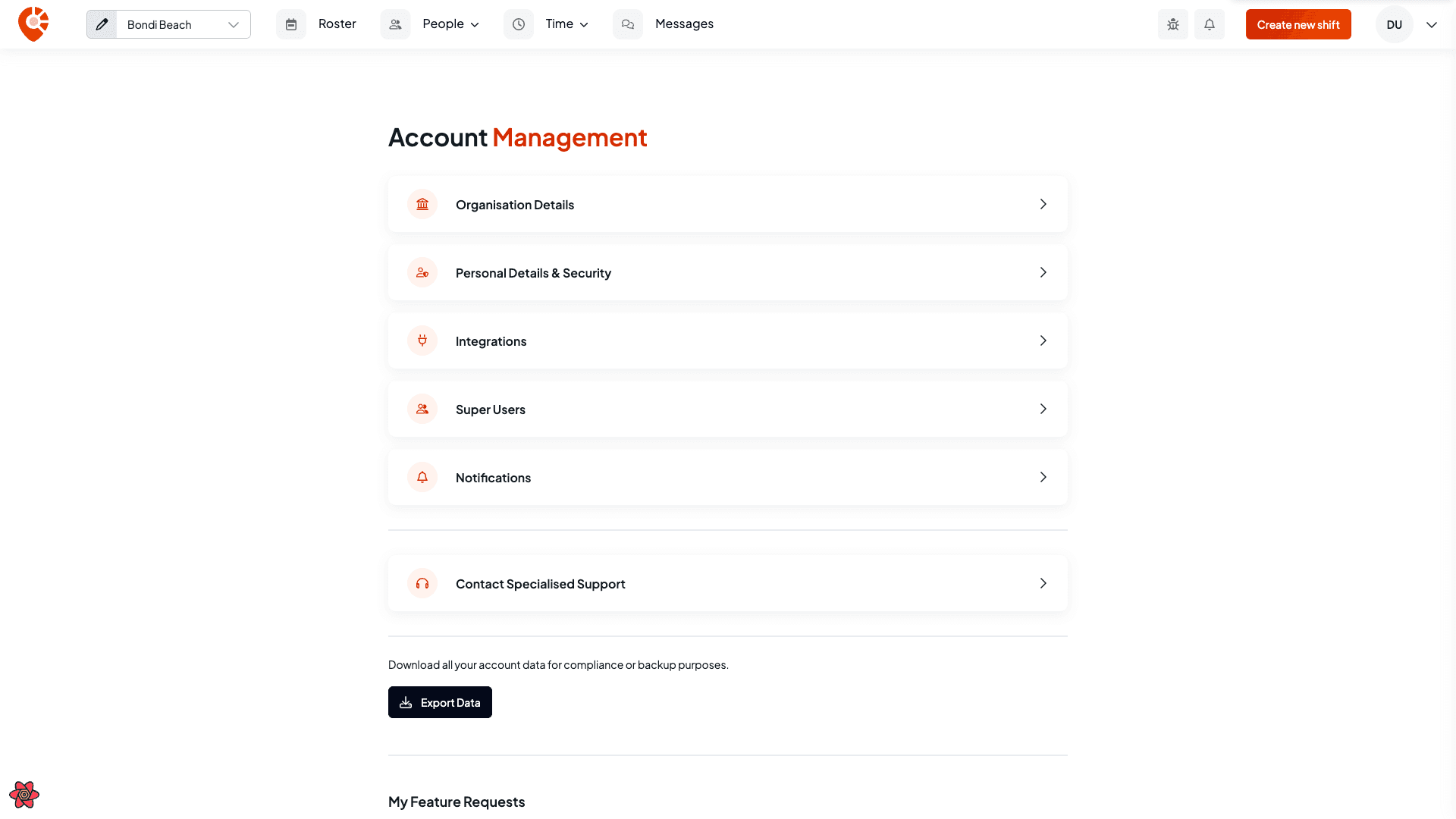
- Open the account menu → Account management.
Export your data
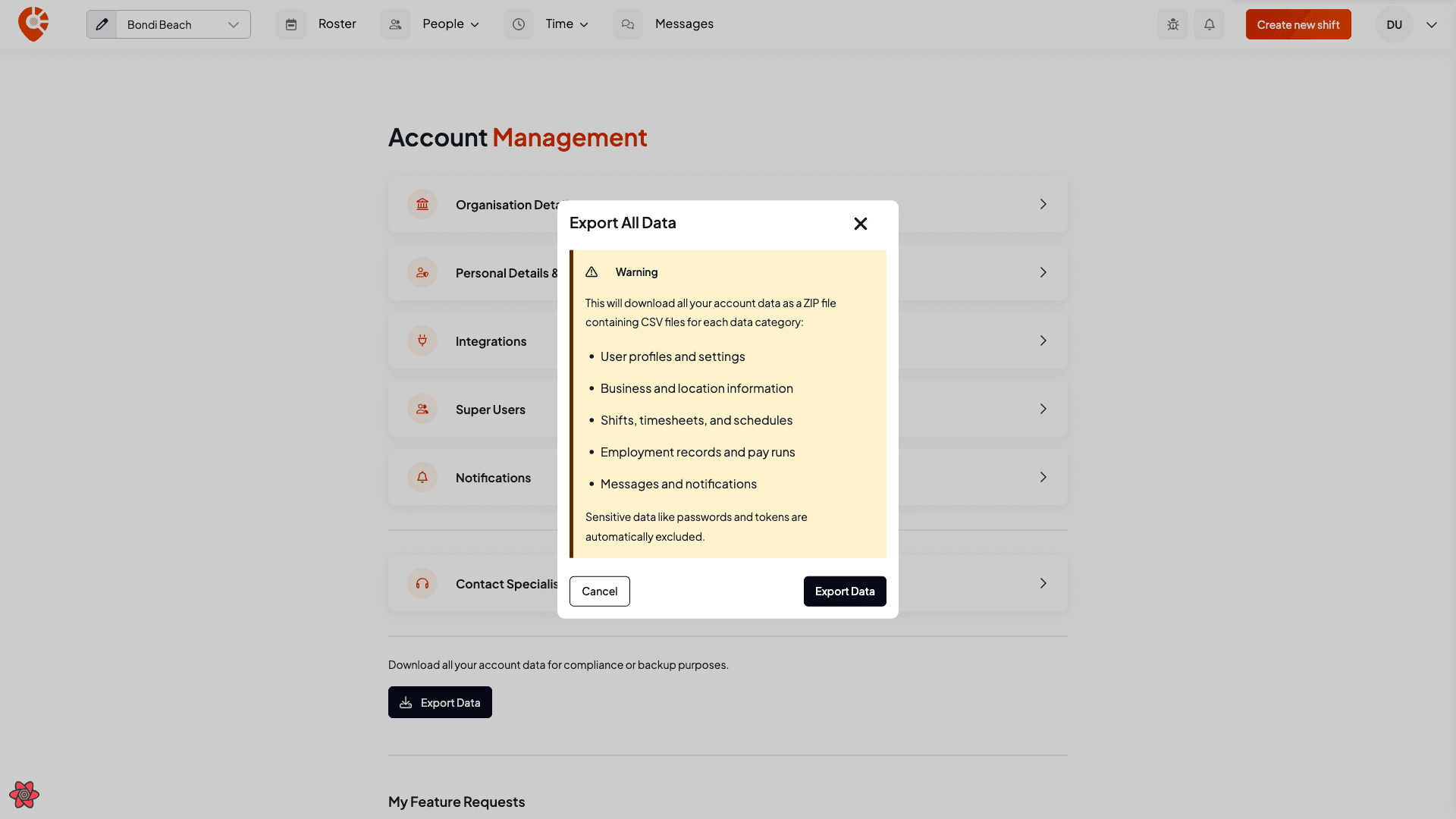
Confirm
Shiftly confirms what's included — a ZIP file with a CSV per data category (user profiles and settings, business and location information, shifts, timesheets and schedules, employment records and pay runs, and messages and notifications). Sensitive data like passwords and tokens are automatically excluded. Select Export data to download.