
Request time off
Ask for leave from your phone, for whole days or part of one, and track where your request is up to.
You can ask for time off from Shiftly Me without catching your manager in person. Open the Leave tab at the bottom of the app.
Who this is for
Staff using the Shiftly Me app on their phone.
See your leave
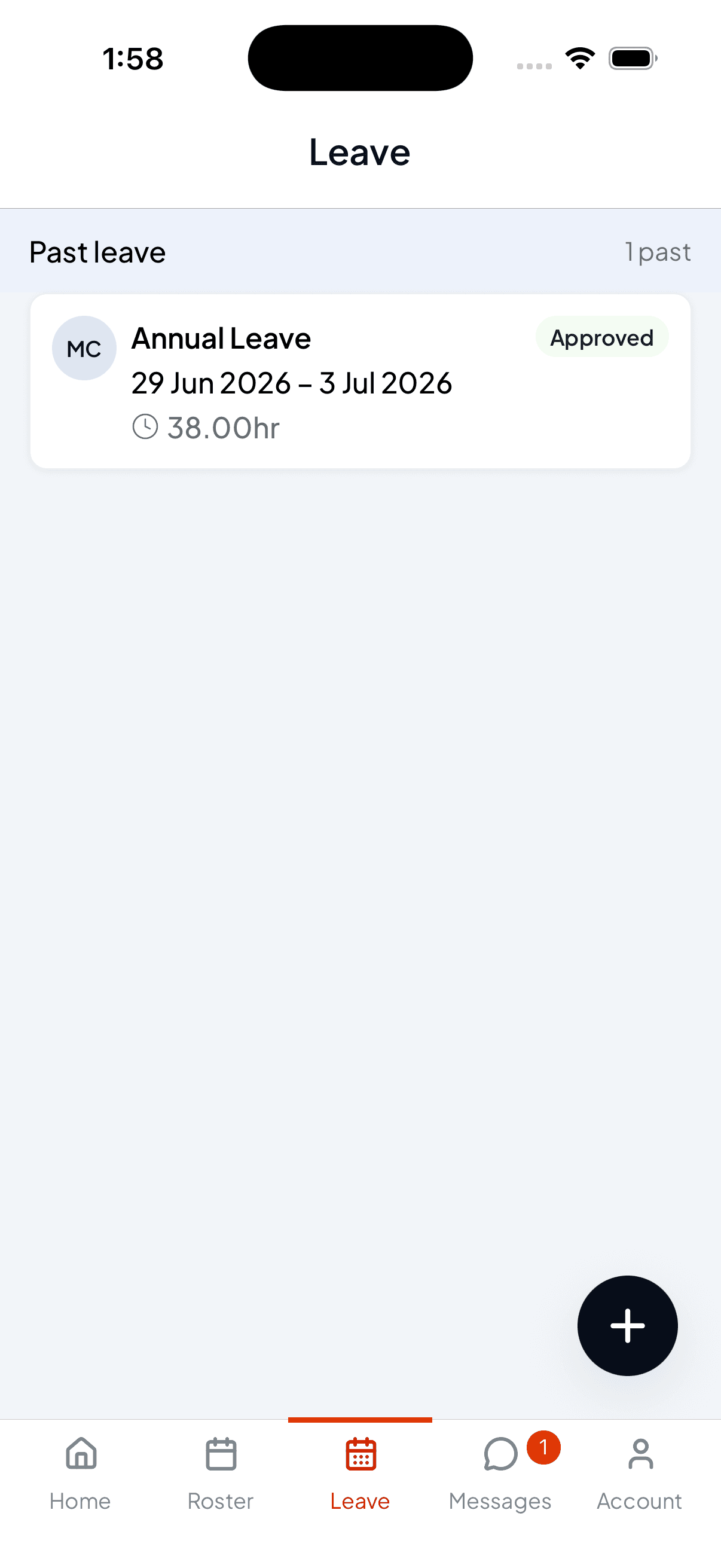
The Leave tab lists your requests. Each one shows the type, the dates, how many hours it comes to, and where it's up to: Approved, pending, or declined. Past leave is grouped under Past leave with a count.
Ask for time off
Start a request
Tap the + button in the bottom corner. The Request leave form opens.
Choose the type and dates
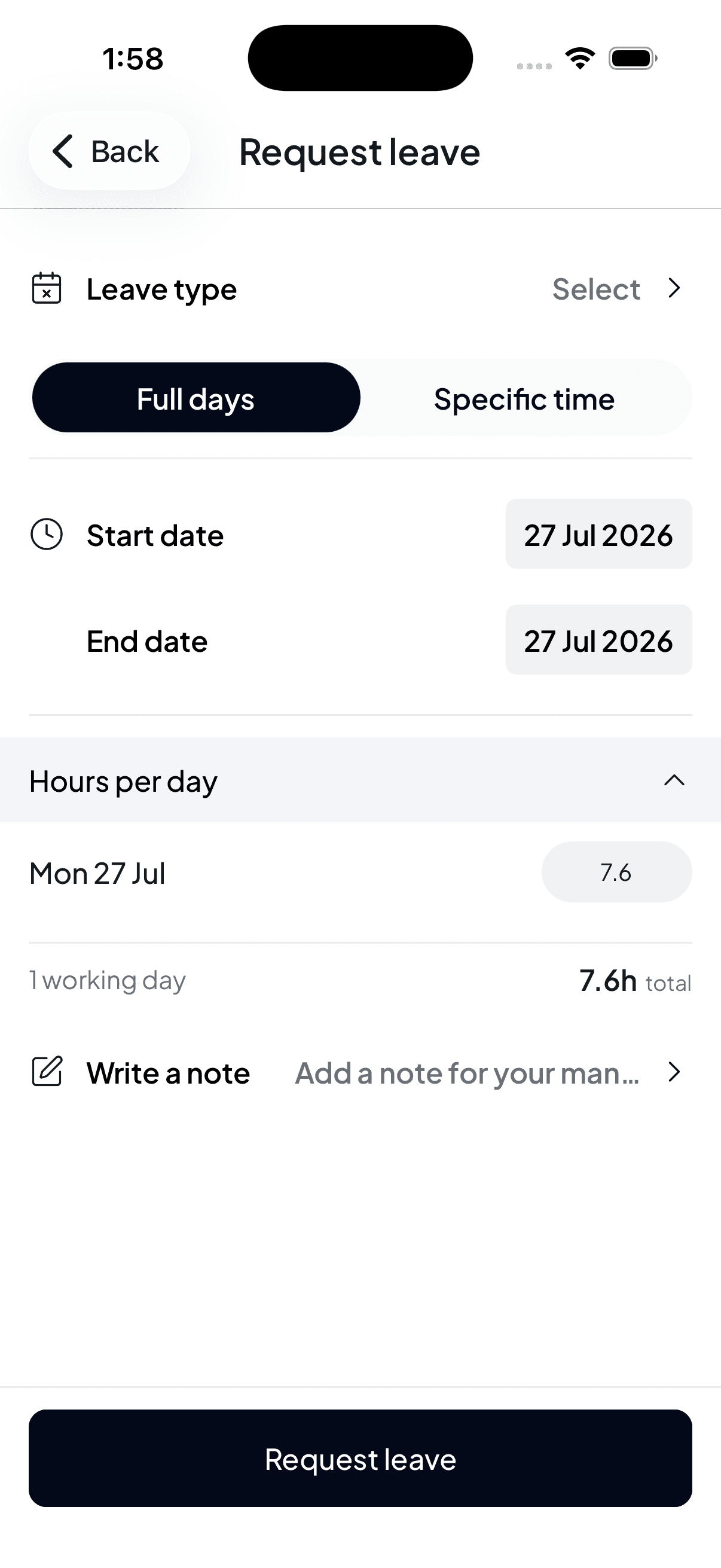
Pick your Leave type: annual, personal, and whatever else your workplace offers.
Then choose how much time you need:
- Full days: set a Start date and End date. For a single day, leave them the same.
- Specific time: for part of a day, like a couple of hours for an appointment.
Check the hours
Hours per day shows exactly what each day takes off your balance, and the total underneath, for example 1 working day · 7.6h total. Public holidays aren't counted.
Add a note and send
Write a note lets you give your manager context, handy for anything they'd otherwise have to ask about. Then tap Request leave.
Your request goes to your manager to approve. You'll see it in the list straight away with its status, and you'll be notified when they action it. See Choose what Shiftly tells you about.