
Get someone to cover your shift
Ask a colleague in Shiftly Me to take a shift you can't work, and accept or turn down a request to cover someone else's.
Can't make a shift you're rostered on? In Shiftly Me you can ask a colleague to cover it. If they accept, the shift moves to their roster. This guide covers both sides: asking for cover, and answering when someone asks you.
Who this is for
Staff using the Shiftly Me app on their phone.
Before you start
- The shift has to be yours, and it has to be on your roster. Open it from Roster → Calendar.
- Your location needs to allow shift swapping. If it doesn't, there's no swap button on your shifts. Ask your manager.
Ask someone to cover your shift
Open the shift and tap swap
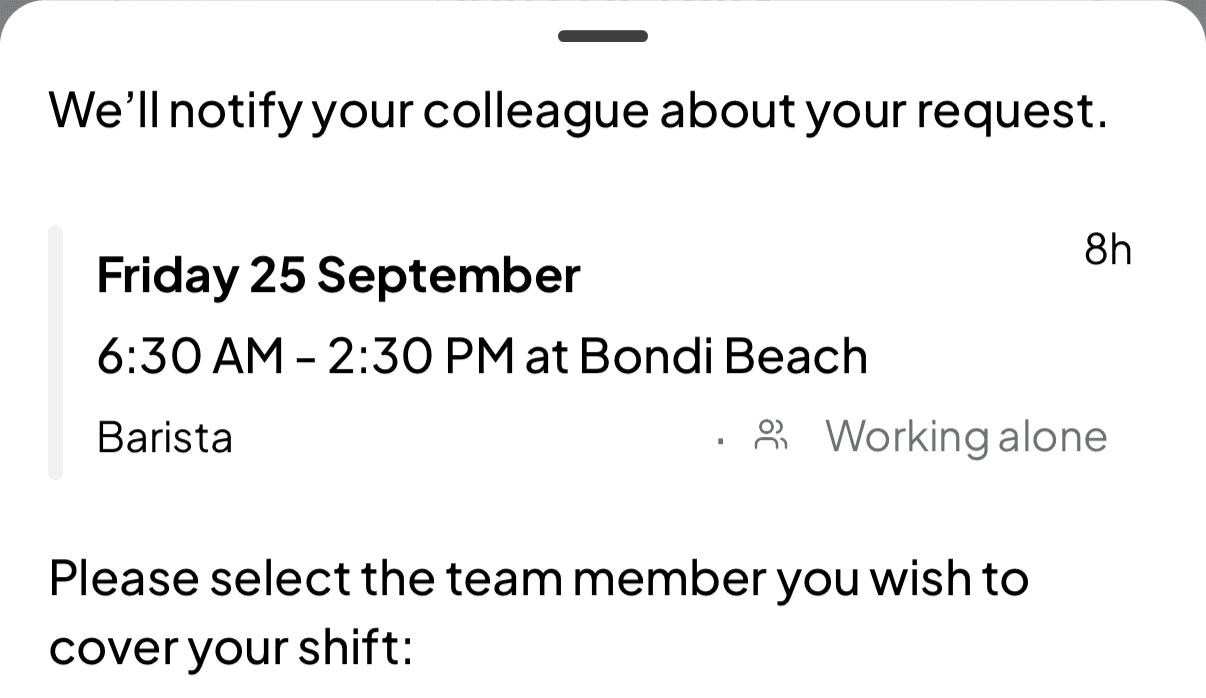
On Roster, tap the shift you can't work to open Shift details. Tap the swap button (the two arrows) at the top right.

Pick a colleague and send
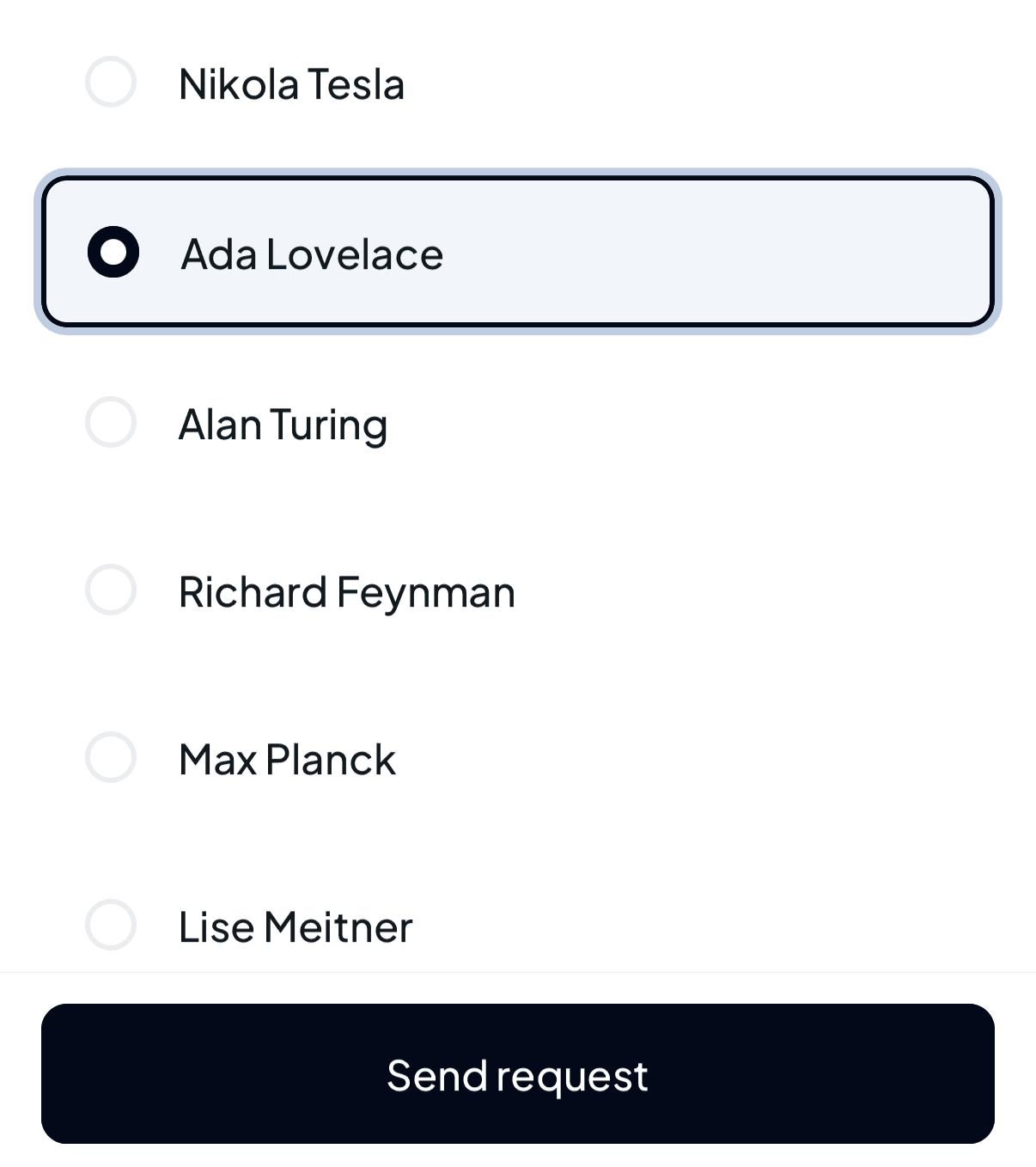
Choose who you'd like to cover it, then tap Send request.
The list only shows colleagues who could actually take the shift: people who work at that location, aren't already rostered at an overlapping time, aren't on approved leave then, haven't set themselves unavailable for any part of it, and haven't been excluded from that position by your manager. If nobody fits, you'll see No team members are available to cover your shift.
Wait for their answer
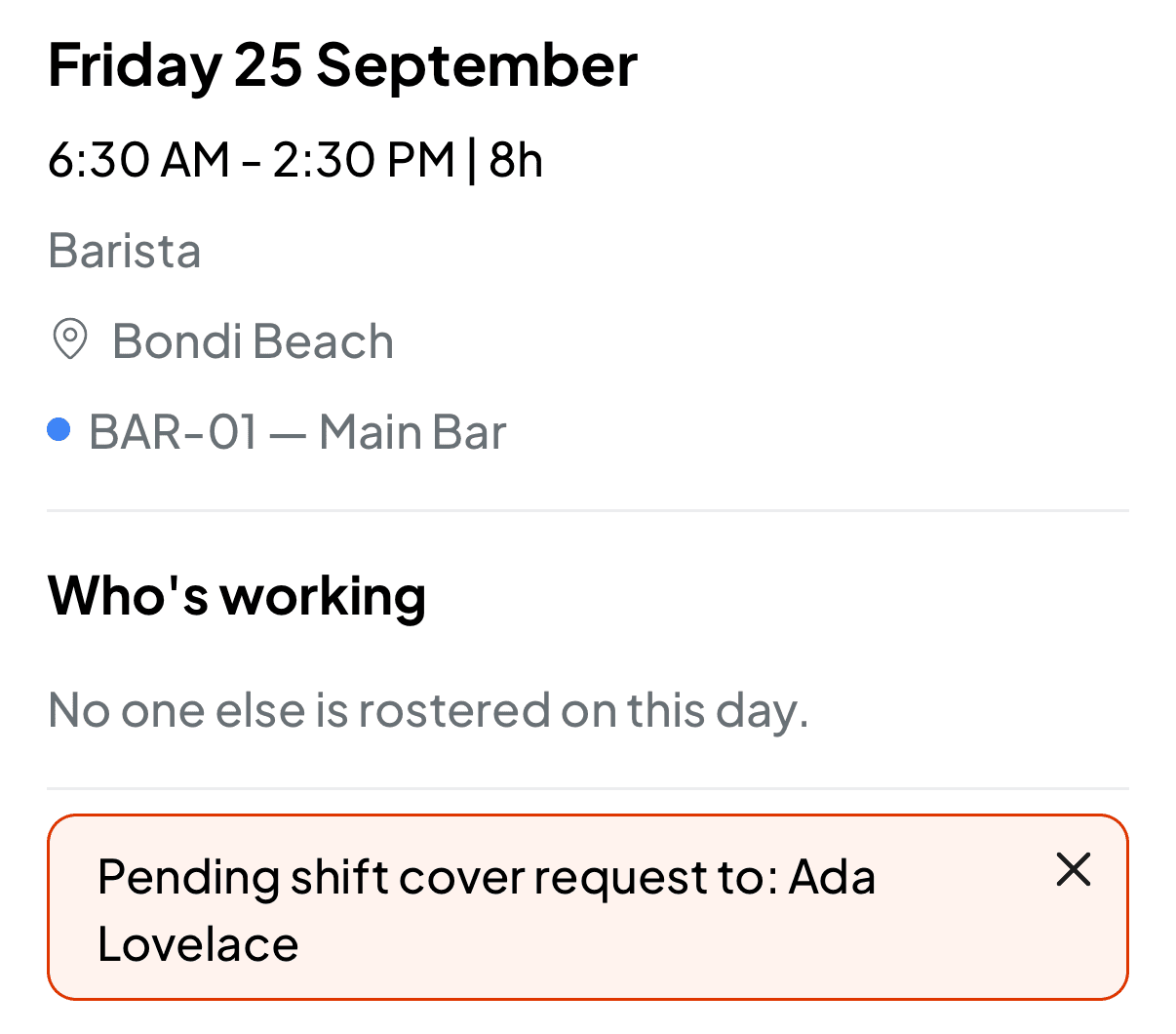
You'll see Shift cover request sent successfully. The shift now shows Pending shift cover request to: and your colleague's name. The shift stays yours until they accept.
To take the request back, tap it and confirm Cancel cover request.
Ask one person at a time. Your manager doesn't need to approve a swap: the shift moves as soon as your colleague accepts, and your manager is notified. Other requests for the same shift aren't withdrawn when that happens, so if you've asked more than one person, cancel the others as soon as you have cover. Each colleague you've already asked drops off the list, so you can't ask the same person twice.
When someone asks you to cover
A request shows on your Home screen: Marie Curie has asked you to cover their shift on: followed by the date, the times and the position, plus a pay estimate if your workplace shows pay. Keep an eye on Home, because you don't get a separate notification for a cover request.
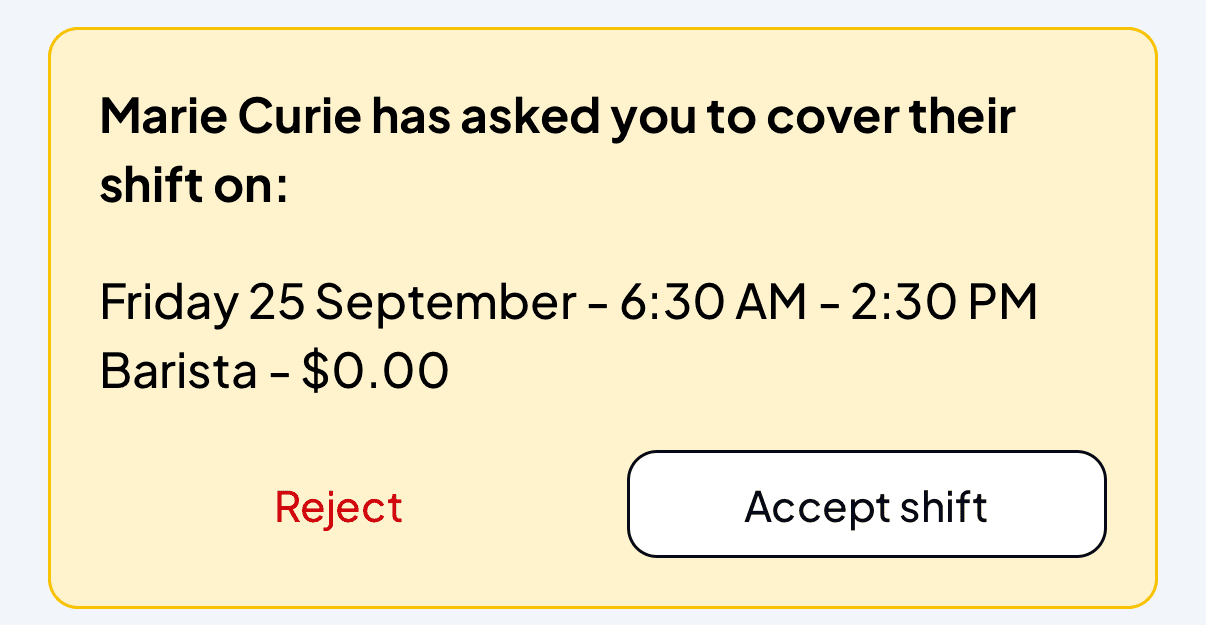
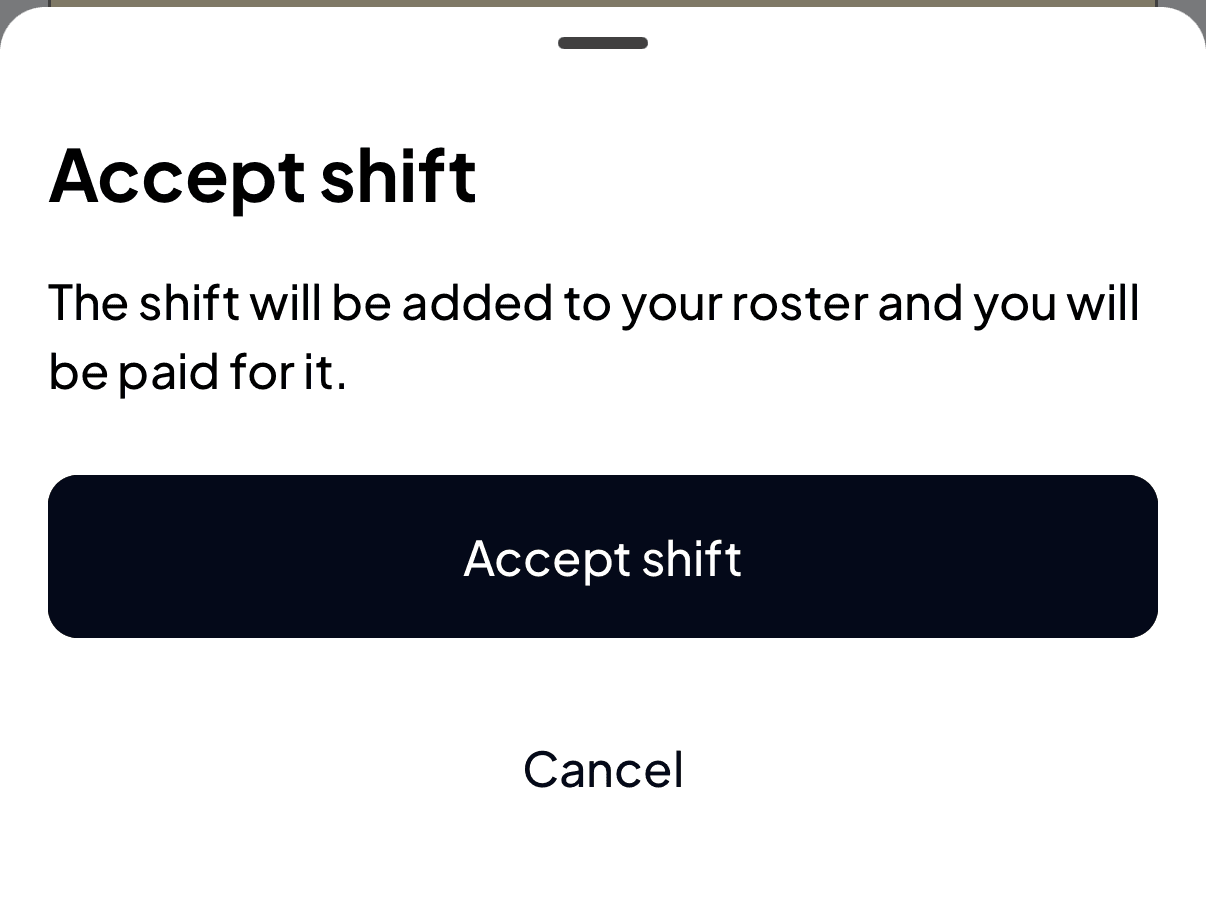
- Accept shift asks you to confirm: The shift will be added to your roster and you will be paid for it. Tap Accept shift again. The shift moves to your roster, and your manager gets a notification that the shift was swapped.
- Reject asks you to confirm, then turns the request down. The shift stays with your colleague.
Your colleague isn't notified when you turn a request down. Their pending request just disappears from the shift, so let them know yourself if they're waiting on you.